


Small Living Room Planner + Budget Calculator | Printable Interior Planner Kit
Small Living Room Planner + Budget Calculator | Printable Interior Planner Kit
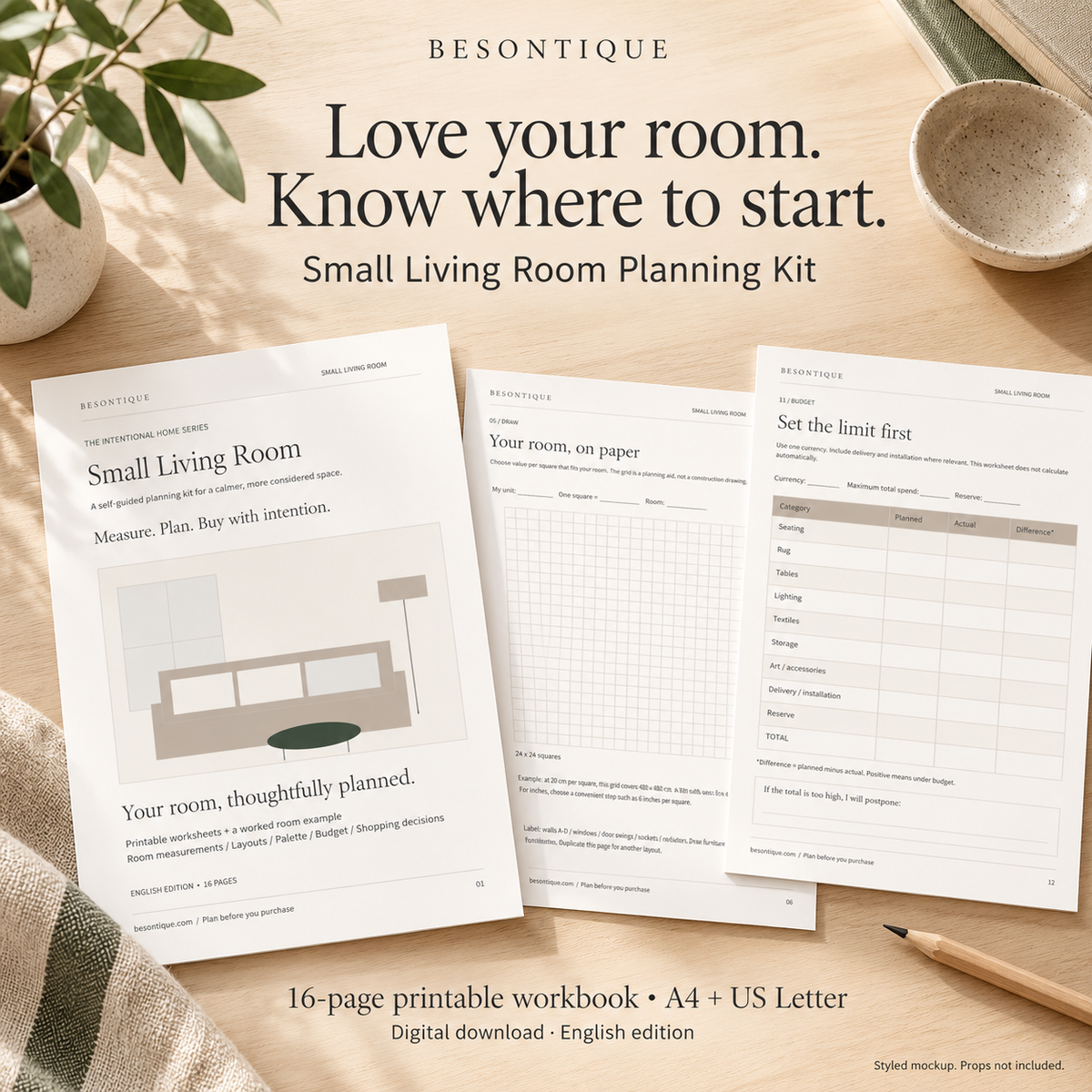
Love your room. Know where to start.
Couldn't load pickup availability
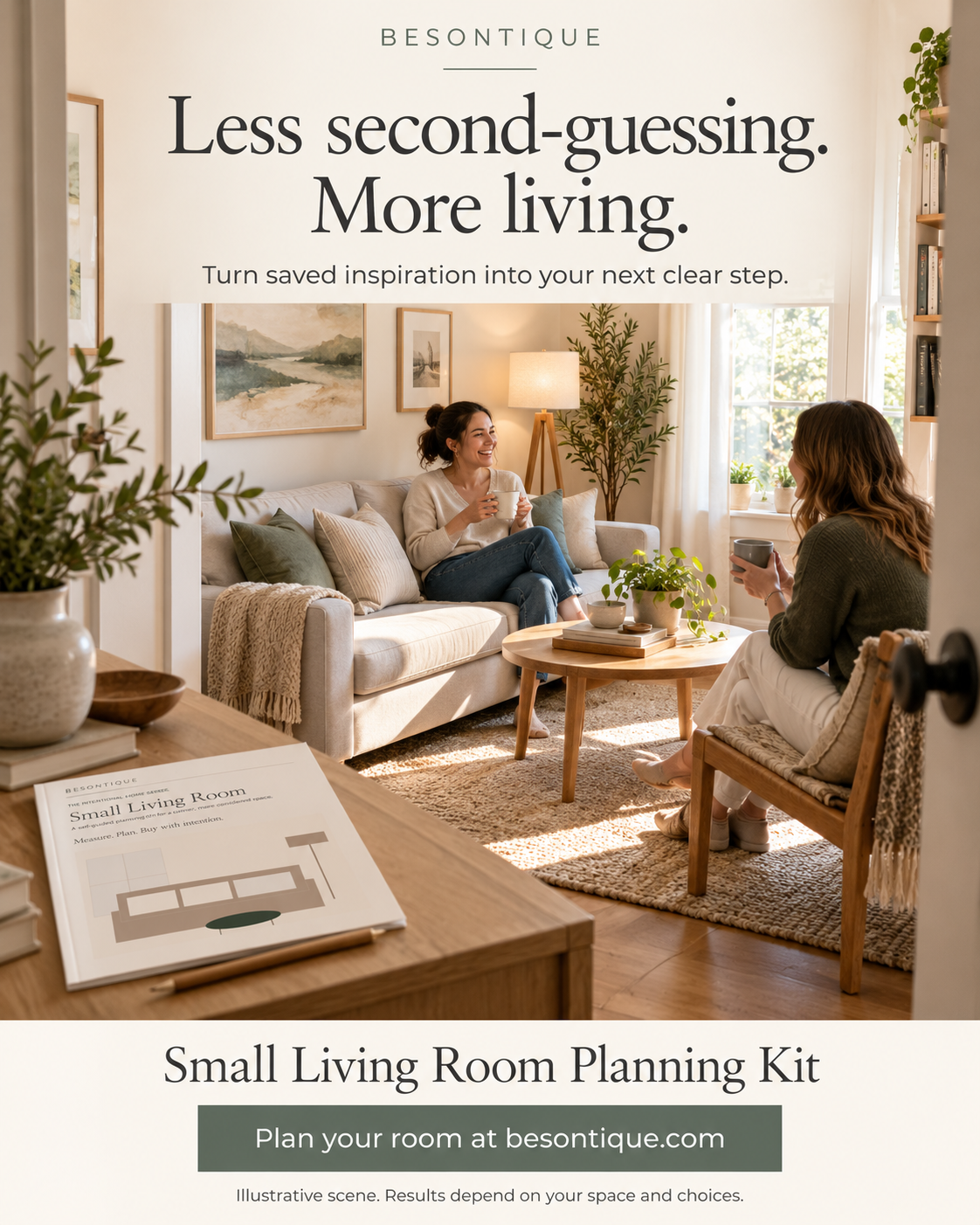
Your room does not need more guesswork.
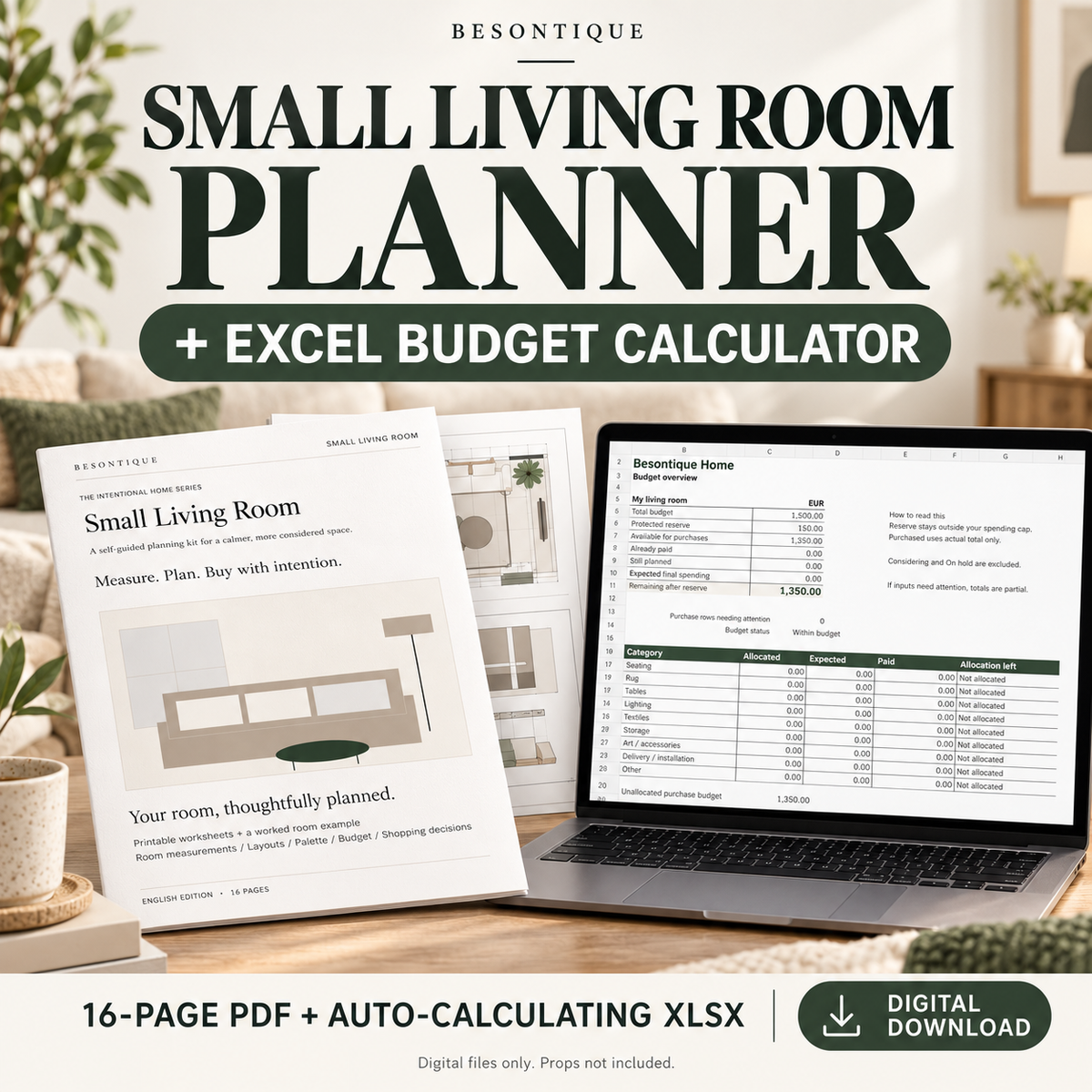
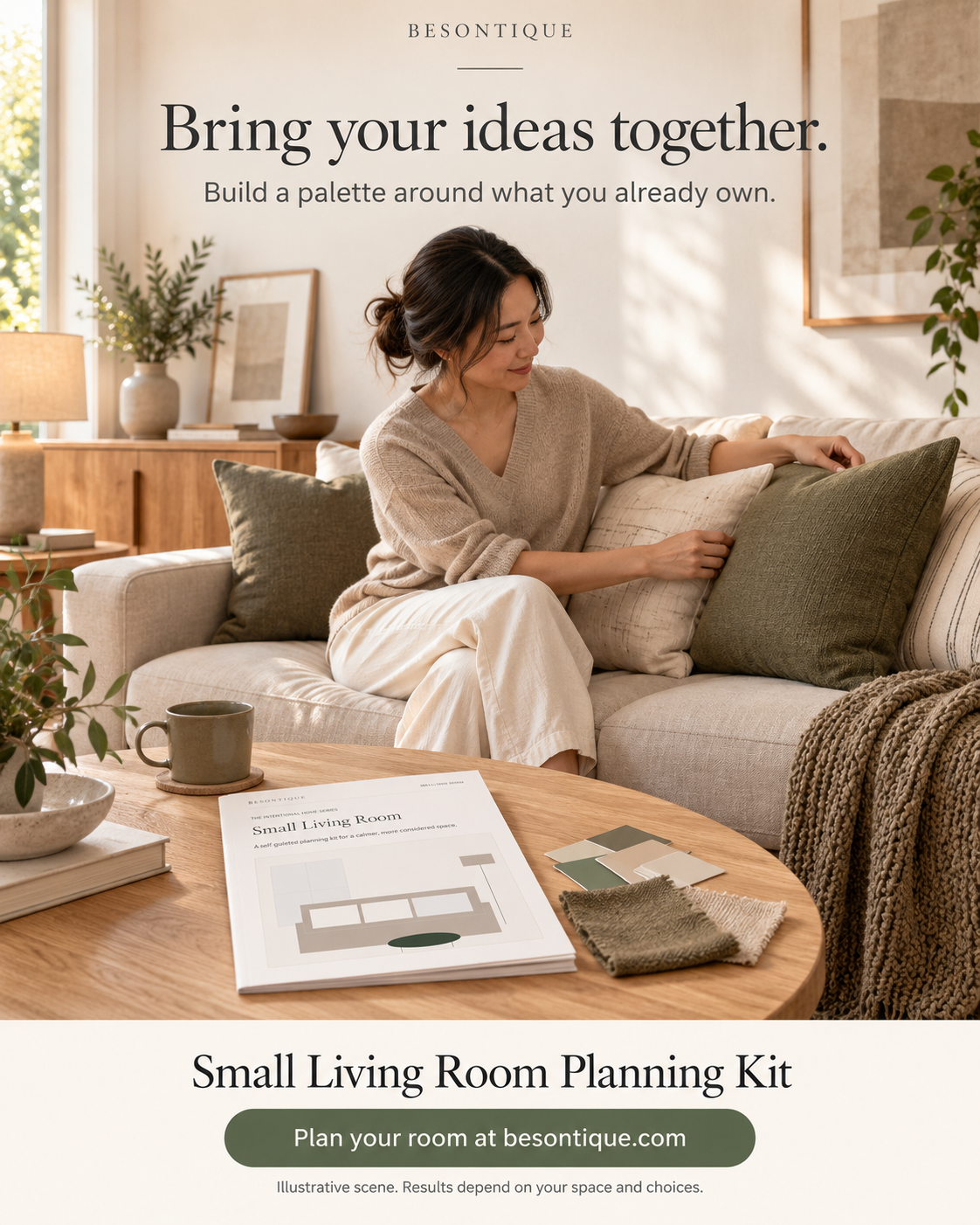
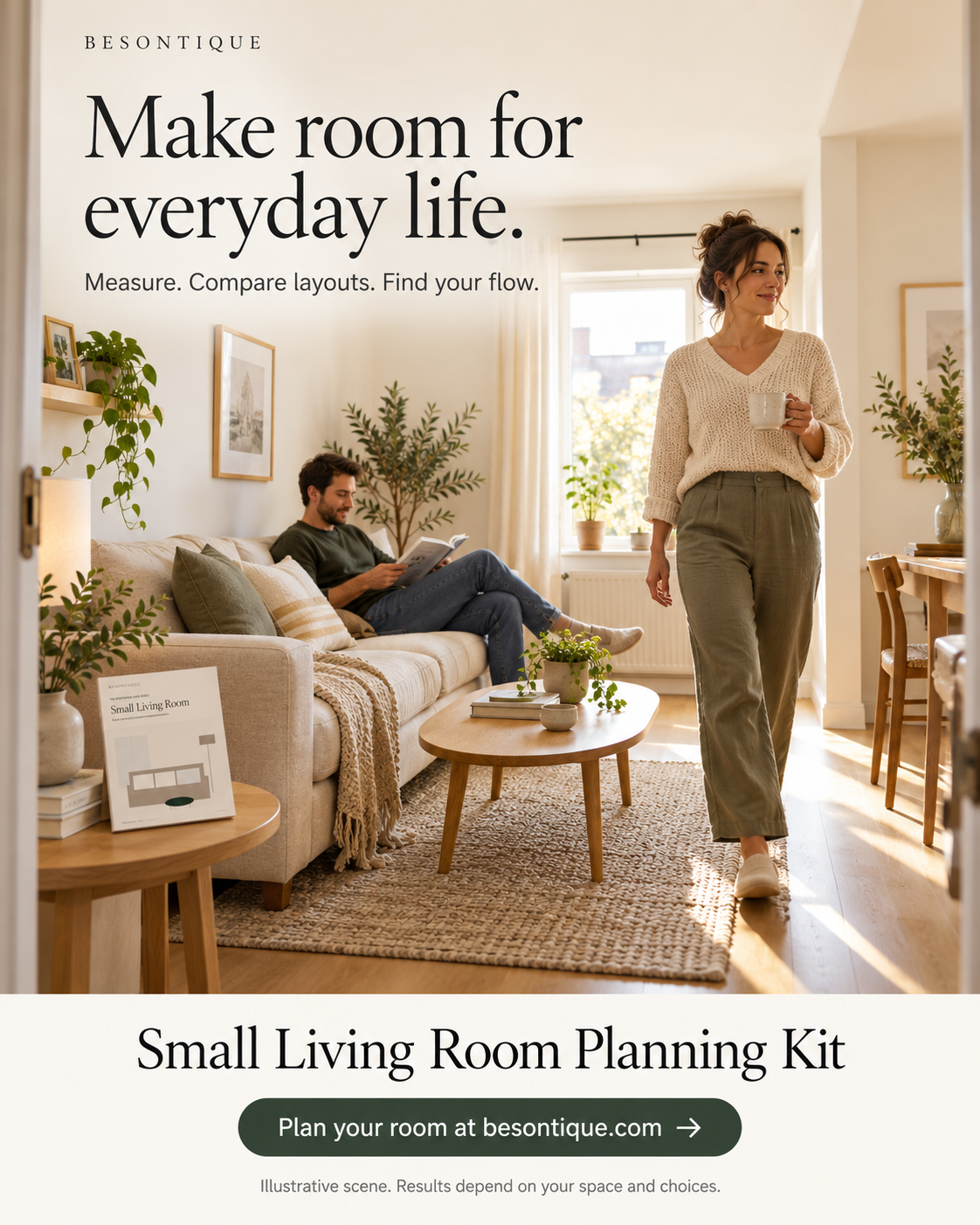
Use this printable interior planner kit to give your room a plan you can follow and a budget you can track with ease.
This Besontique bundle combines a 16-page project planner with an automatic budget planner. Work on paper, then track your costs easily.
Made for you if...
- You are decorating a small living room or refreshing a space that never quite feels finished.
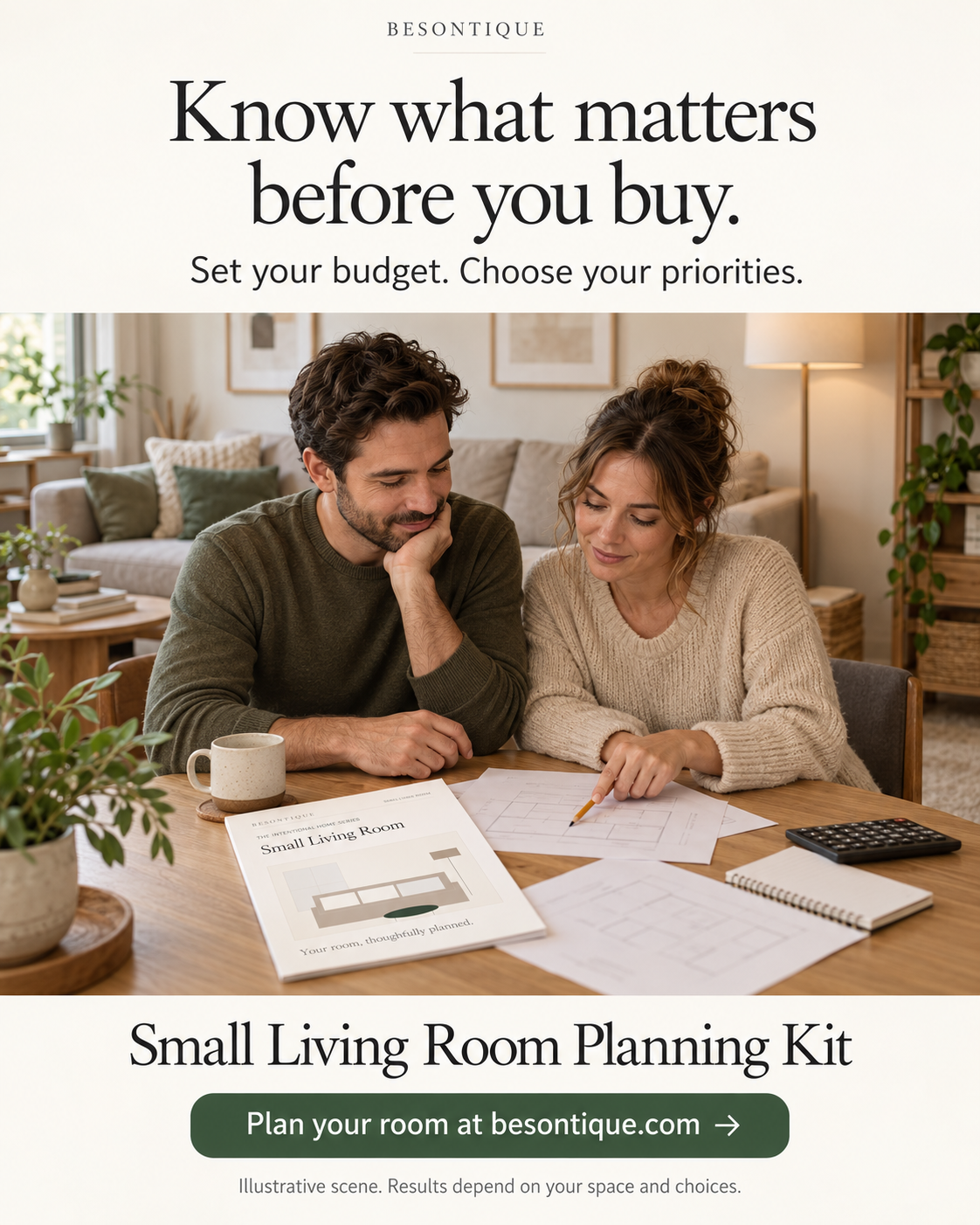
- You want to act as your own room designer to bring choices together and understand your spending.
From inspiration to decisions
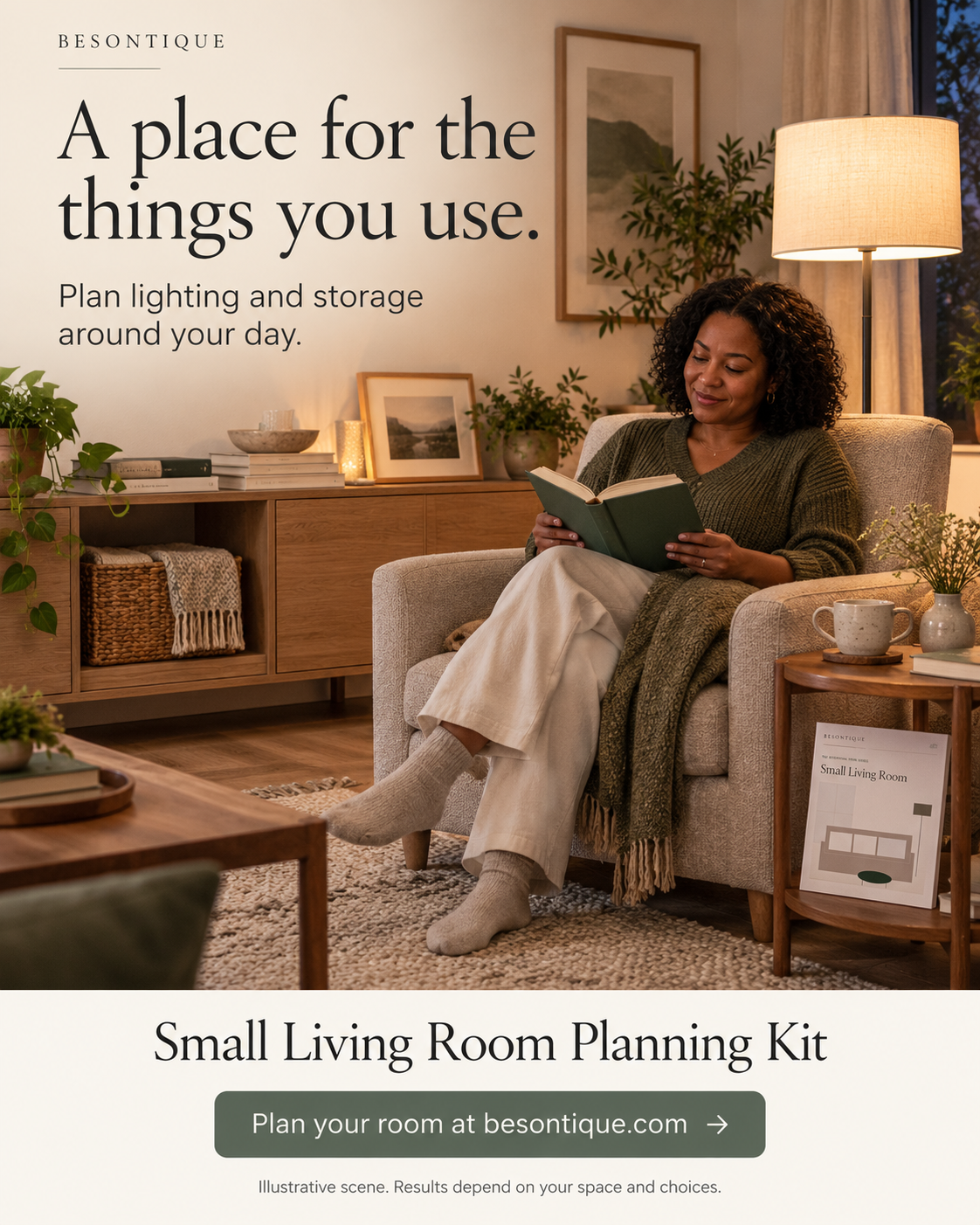
- Printable planner: Record dimensions and choose a color palette. Plan lighting and storage to check purchases before checkout.
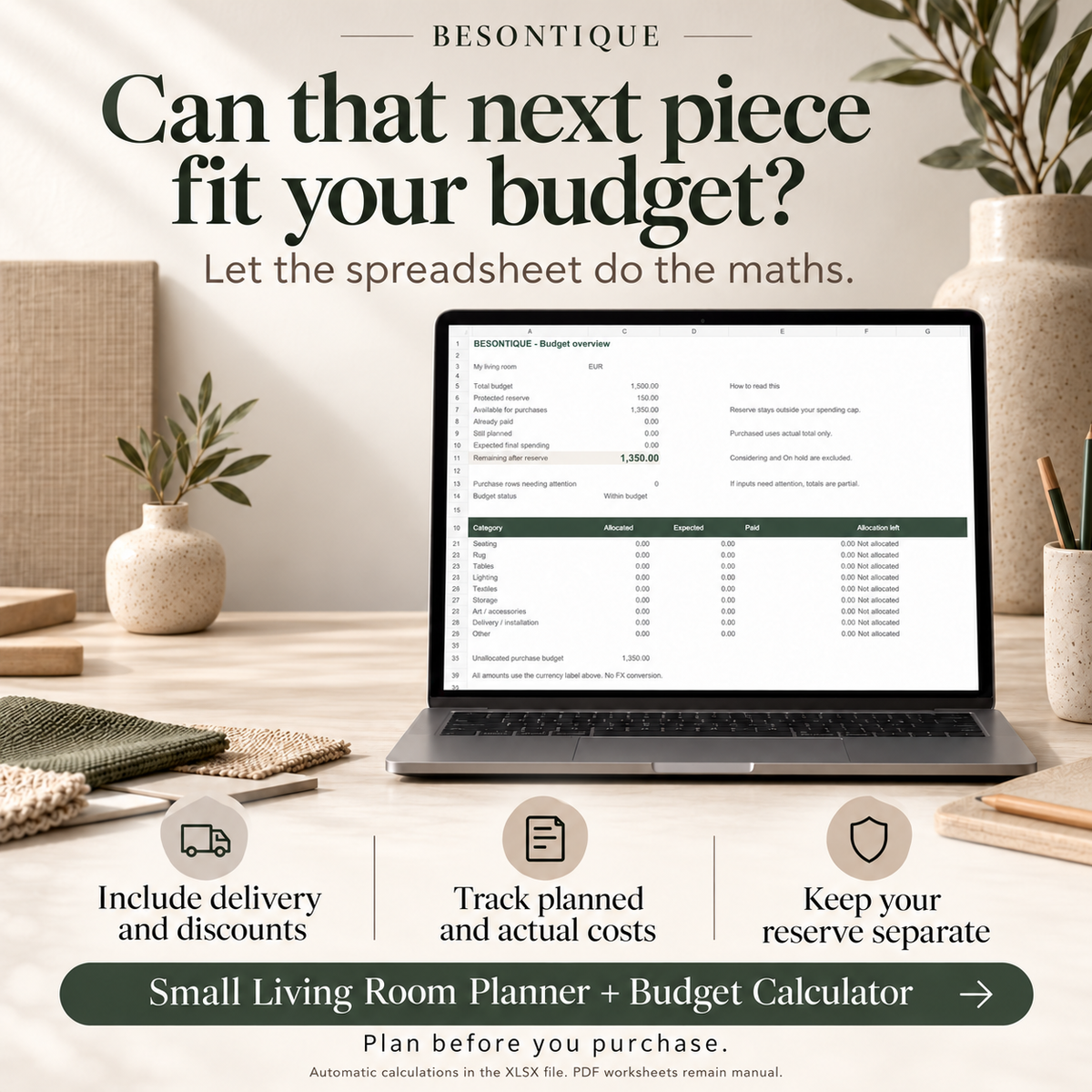
- Excel calculator: Enter quantity, price, and discounts. Item totals and remaining budget update automatically based on your inputs.
- Keep a reserve separate from purchase funds. Mark items as Planned, Purchased, Considering or On hold to stay organized.
- An overview flags when you are over budget. Category allocations help you compare spending across seating, rugs, and lighting.
What is inside your printable interior planner kit?
-
One 16-page A4 planner PDF and one 16-page US Letter planner PDF. They contain the same workbook, not 32 unique pages in total.
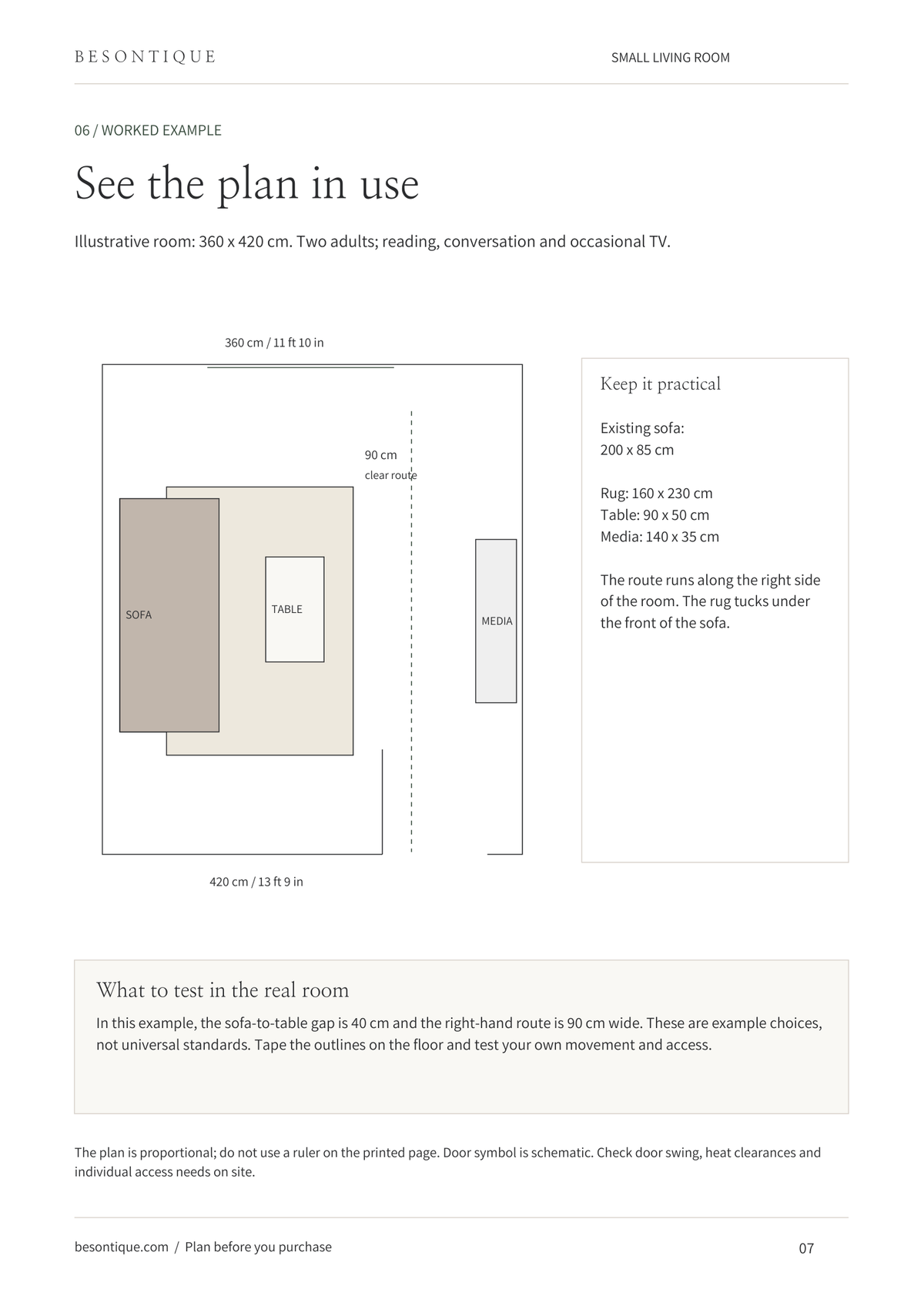
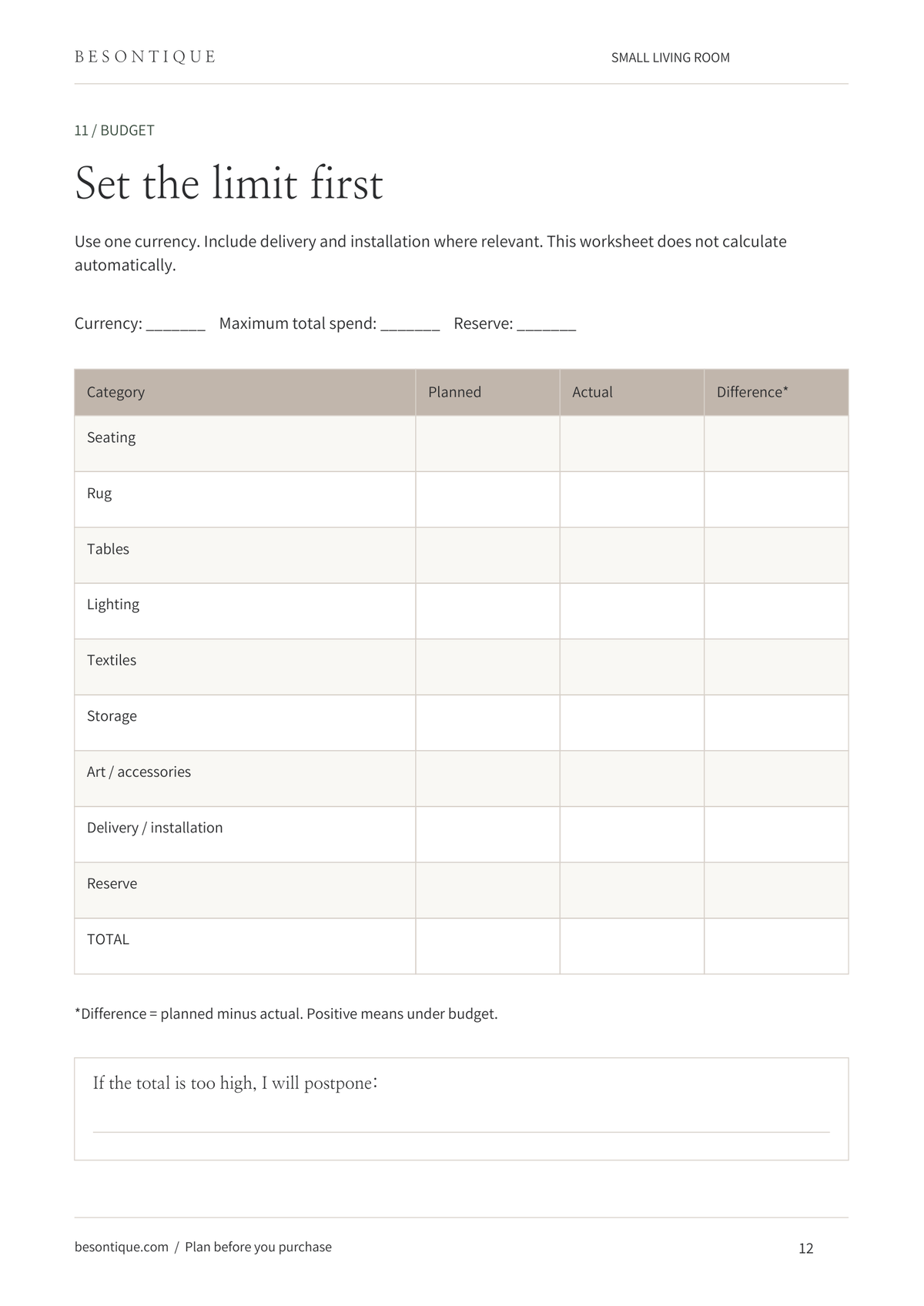
Pages Section What you’ll do 1–2 Getting Started Learn how to use your planner. 3–4 Your Room & Priorities Define your needs and decide what to keep. 5–6 Measure & Map Record dimensions and sketch your space. 7–8 Plan Your Layout Explore a worked example and compare two layouts. 9–10 Colours & Materials Choose a palette and build your material board. 11 Lighting & Storage Plan around your everyday routines. 12–13 Your Room Budget Set a spending limit and explore a €1,000 example. 14–15 Shop with Intention Compare products and check details before buying. 16 Your Action Plan Turn your decisions into practical next steps. -
One XLSX budget workbook with four tabs: START HERE, OVERVIEW, MY ROOM BUDGET and WORKED EXAMPLE. Includes 60 lines.
-
One one-page PDF quick-start guide. The planner includes a worked layout and a EUR 1,000 refresh budget for your inspiration.
The calculator includes a matching EUR 820 planned cost example to help you understand how the automatic formulas work for you.
How it works
- Download and unzip the bundle. Choose the PDF that matches your paper or annotate it in a compatible app.
- Open the XLSX file in desktop Excel. Save a working copy, then enter your room name and budget on START HERE.
- Add purchases in the amber input cells. Use Planned for intentions and Purchased for actual costs.
- Review the OVERVIEW before adding more pieces. Keep formula cells unchanged. The workbook is not password-locked.
Digital product only. No physical workbook, furniture, props or stationery will be shipped to your address.
English-language digital files only. No physical hardware or personalized design consultation is included in this kit.
Examples are illustrative and not guaranteed savings. The calculator does not fetch live prices or calculate tax automatically.
For personal household use. No redistribution or resale. This is a planning aid, not professional structural or electrical advice.
Start with a plan.
Choose your next piece with intention.
 Instant download
- One-time purchase
- No Shipping Required



FAQ
Do I need interior-design experience?
No prior design training is needed to work through the prompts. The example pages show how to begin; you make the final choices for your room.
Is this only for neutral interiors?
The three example palettes are neutral. You can use the blank worksheets to plan your own colours and finishes.
Does it automatically calculate my budget?
Yes. The included budget spreadsheet calculates item totals, planned spending and your remaining budget as you enter your costs. The printable PDF worksheets are completed manually.
Can I use my own currency?
Yes. Choose a currency label and enter every cost in that same currency. This changes the label only; the workbook does not convert exchange rates. Use tax-inclusive amounts and record shared delivery only once.
What software do I need?
The calculator is an XLSX workbook designed for desktop Excel. Excel software or a subscription is not included. Google Sheets compatibility is not certified. No macros, bank connection or separate app account are required.
The planner PDFs can be printed or annotated in a compatible app. They are not fillable forms or editable Canva templates.
Can I compare two different products?
Yes. Put the candidate you want to include on Planned and the alternative on Considering or On hold. Switch their statuses to compare the effect on your remaining budget. A two-candidate comparison worksheet is also included in the PDF.
Will you design my room for me?
No. This is a self-guided planning tool, not a personalised design service.
Other collections
-

LAMP & LIGHT
Explore our curated lighting collection – minimalist pendant lights, Japandi mood lamps,...
-

BEDDING SET
Whether you prefer a minimalist look or a more ornate design, our...
-

DECOR RUG & CARPET
Welcome to our curated collection of round area rug and carpets, designed...
-

DOOR KNOBS
BUY 8 pcs OR MORE, AND GET 5% OFF DISCOUNT! Elevate your...
-
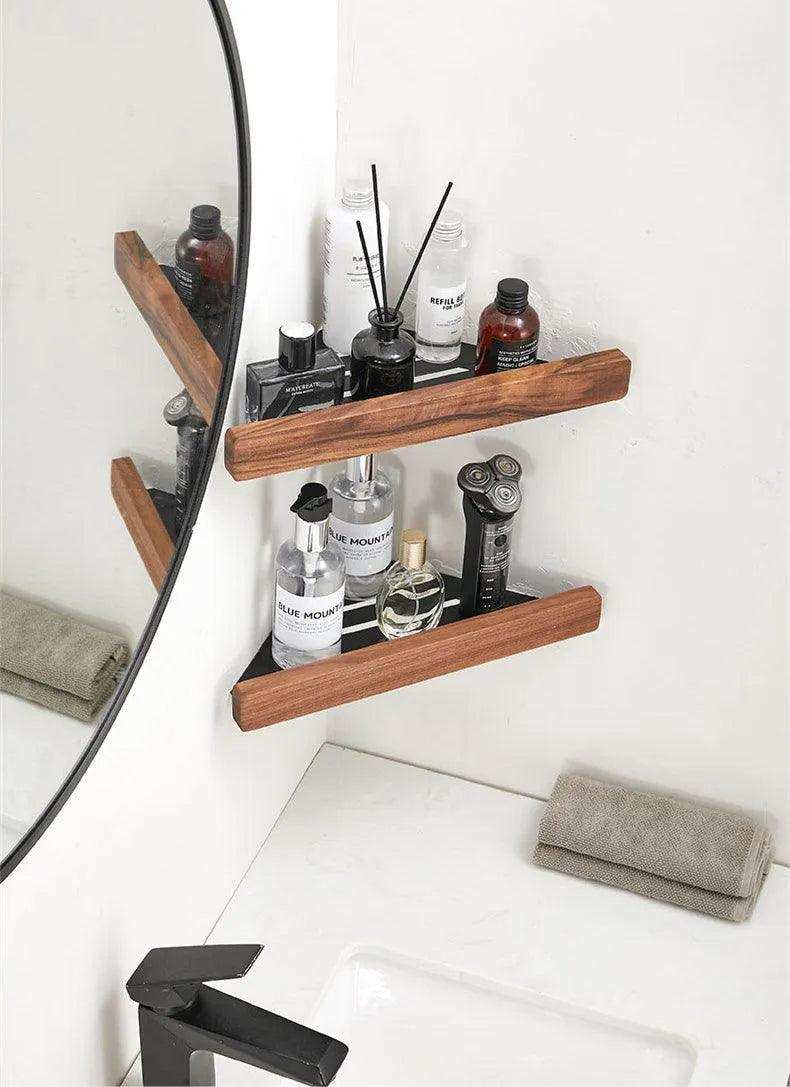
ORGANIZER & TRAY
Organize your home in style with our elegant collection of organizers and...
-

CLOTHES HANGER
A versatile and sturdy solution for organizing your wardrobe with style and...


